
Introducing - Universal Quickdraw
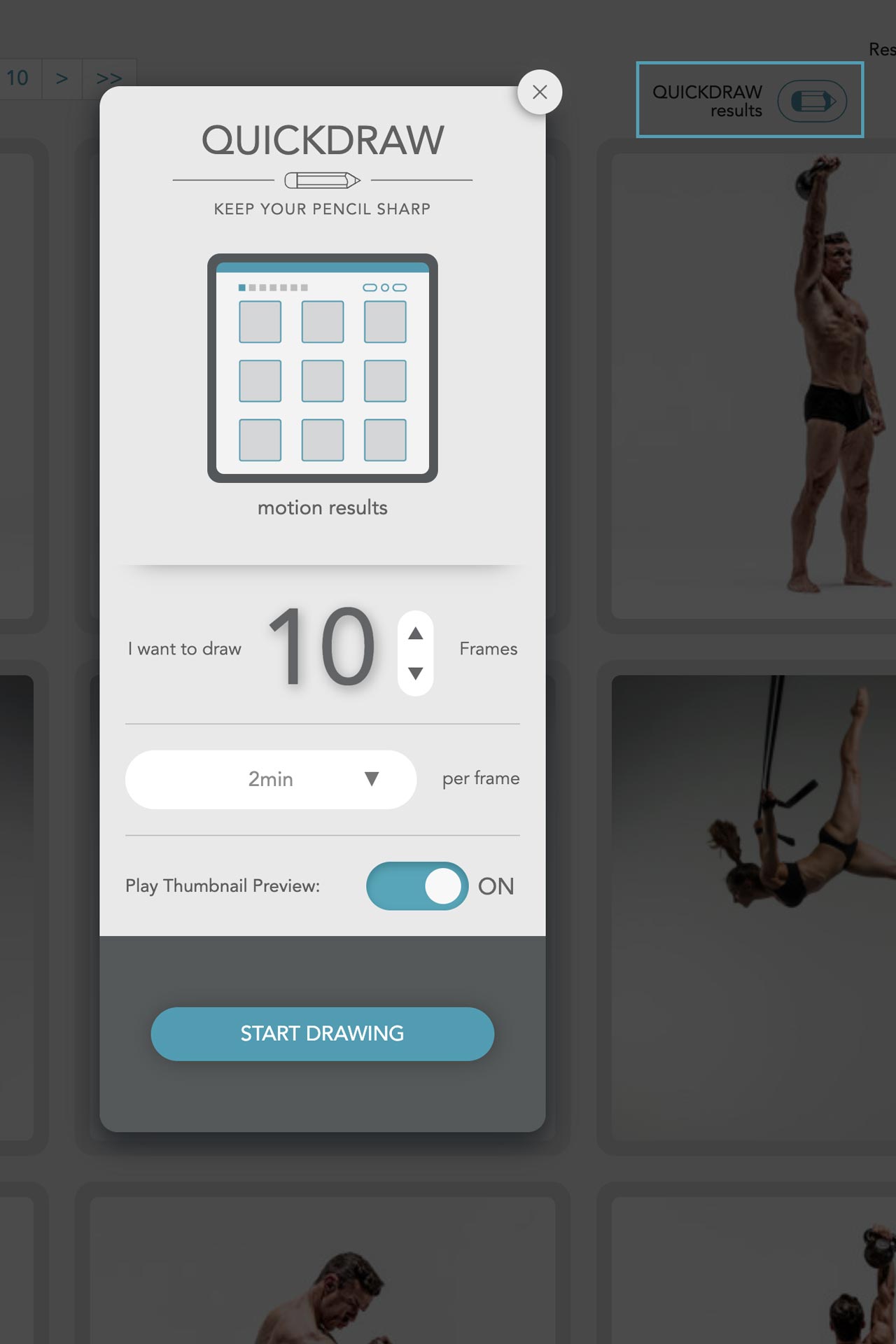
We are excited to announce a new feature - Universal Quickdraw. Since the start of the site in 2017, the Quickdraw page has been one of the most popular ways to quickly start drawing from the site's content. It gives users access to randomized, timed drawing sessions selected from all the content in the BiM library. Universal Quickdraw now extends this by allowing you to start drawing sessions from anywhere in the site, focused on the content you are currently exploring.
Look for the wide pencil icon, when you click it, it will give you a content-specific drawing session based on what you are browsing. For example, if you're browsing the Motion library, you will get a playlist selected from the visible content on the browse page. If you are looking at a specific Motion, you will get a playlist selected from all the images of that particular model (their Set). Likewise, if you are searching or filtering content (by keyword, attribute, gender, etc) Universal Quickdraw will created a playlist selected from this specific content. It's a great way to focus your drawing and anatomy study. We hope you find this new feature as useful as we do!
Related Posts
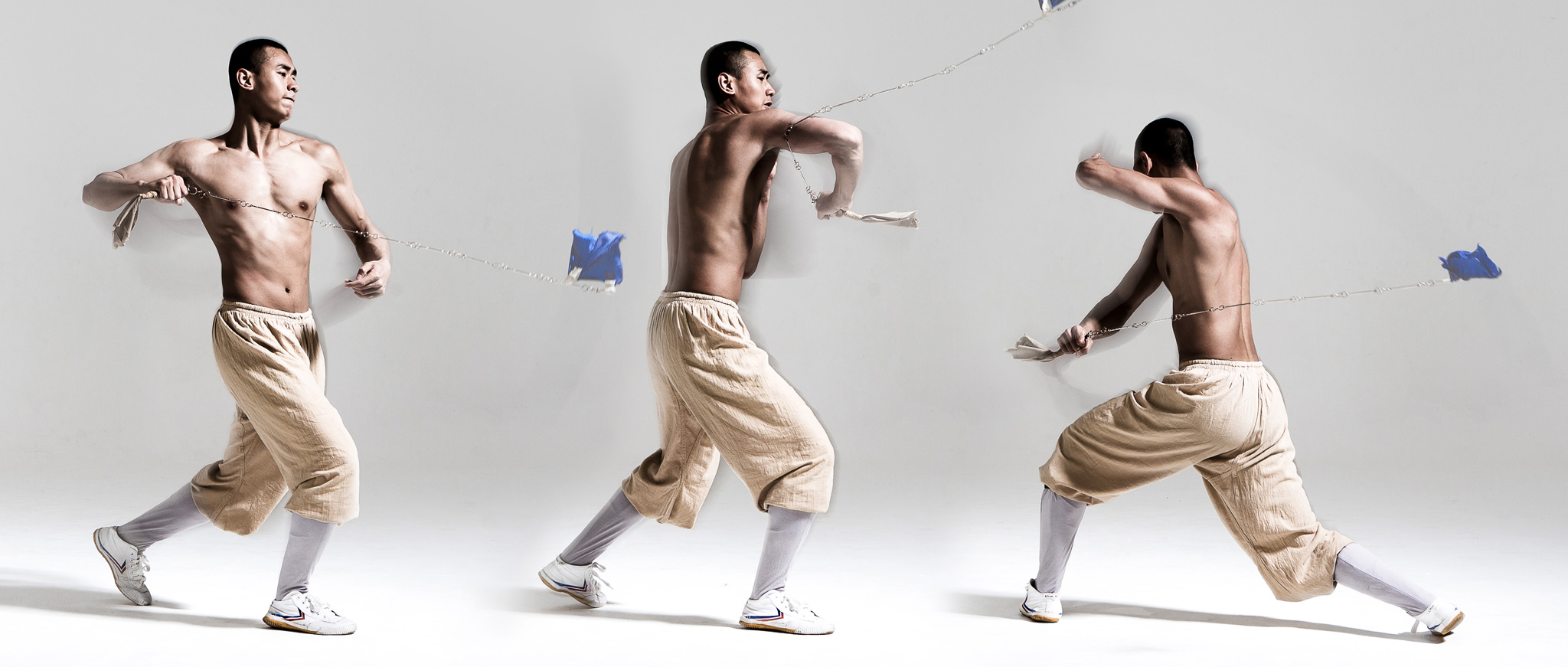
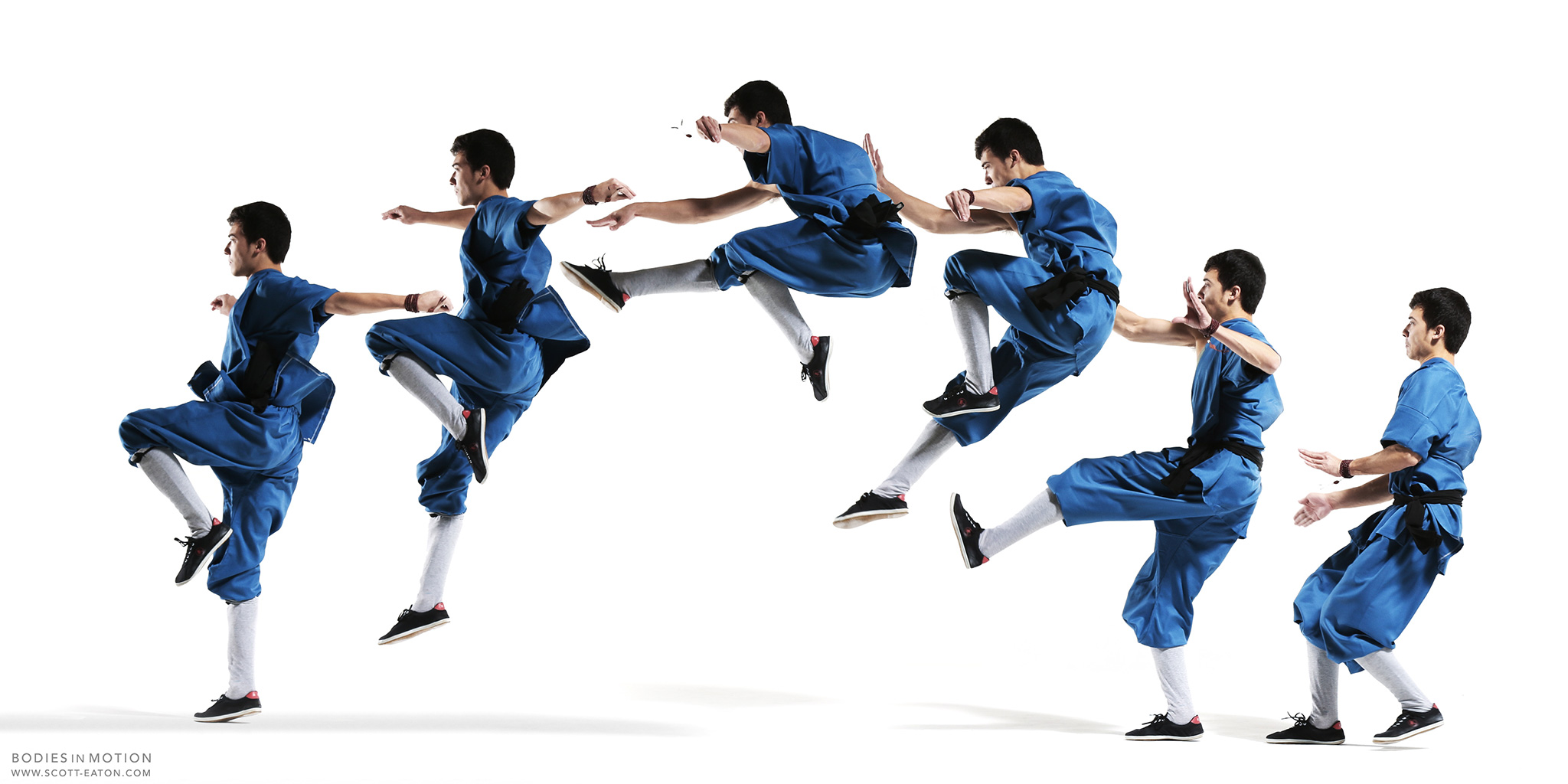
Bodies in Motion V: martial arts
November in London can be pretty dreary, certainly more challenging than a sunny day in the summer, for a Bodies in Motion shoot. Regardless, the sho...
Read More